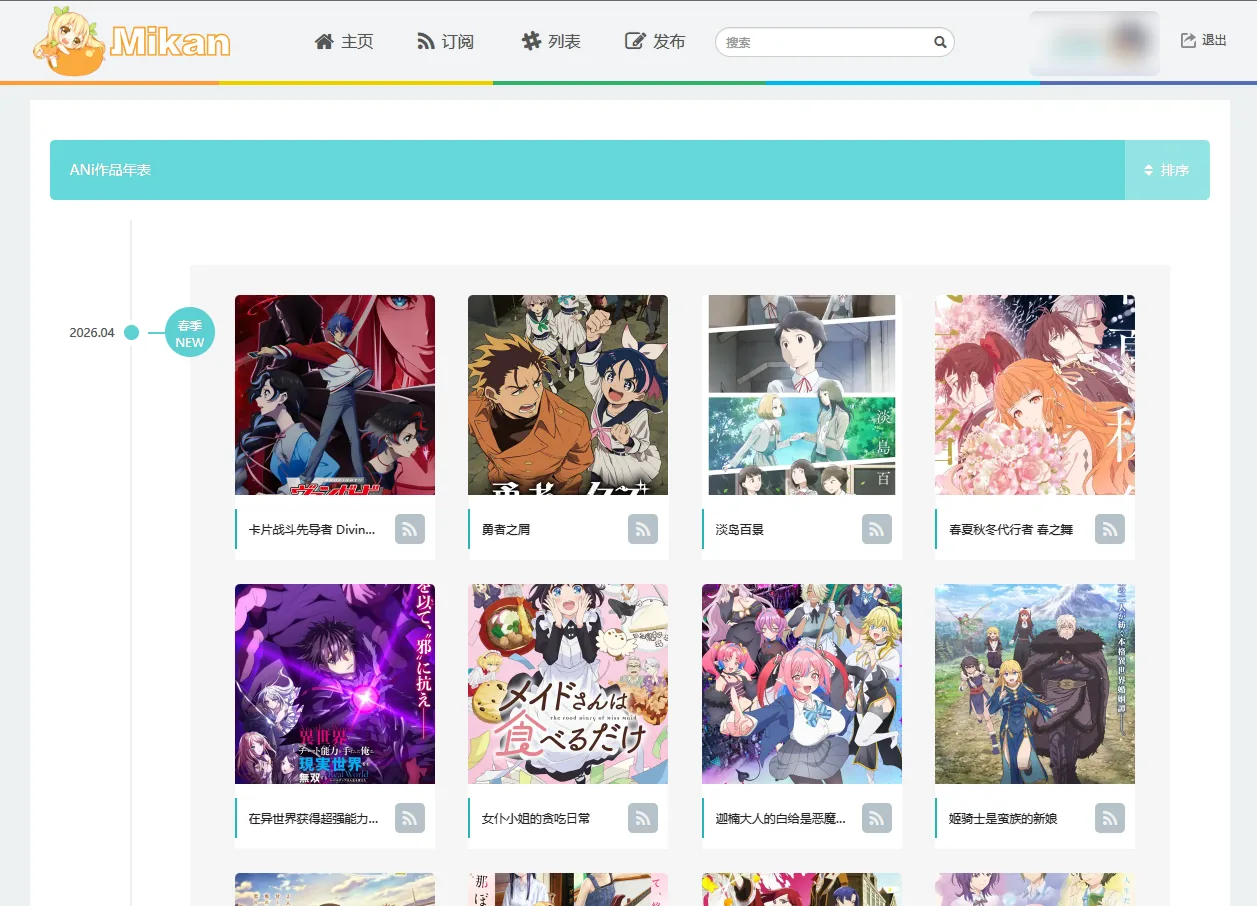
Mikan Project Sync
Learn how to retrieve your Mikan Project API Token, auto-detect Subgroup and Publish Group IDs, and troubleshoot publishing issues.
Configuring Mikan Project sync automatically dispatches your anime releases from AniBT to Mikan and updates Mikan subscriber feeds.
In most cases, you only need to enter your API Token and save; clicking the "Auto Query" button will instantly detect your Subgroup ID and Publish Group ID. Manual lookup is only needed as a fallback.
Setup Steps
Get Your Mikan API Token
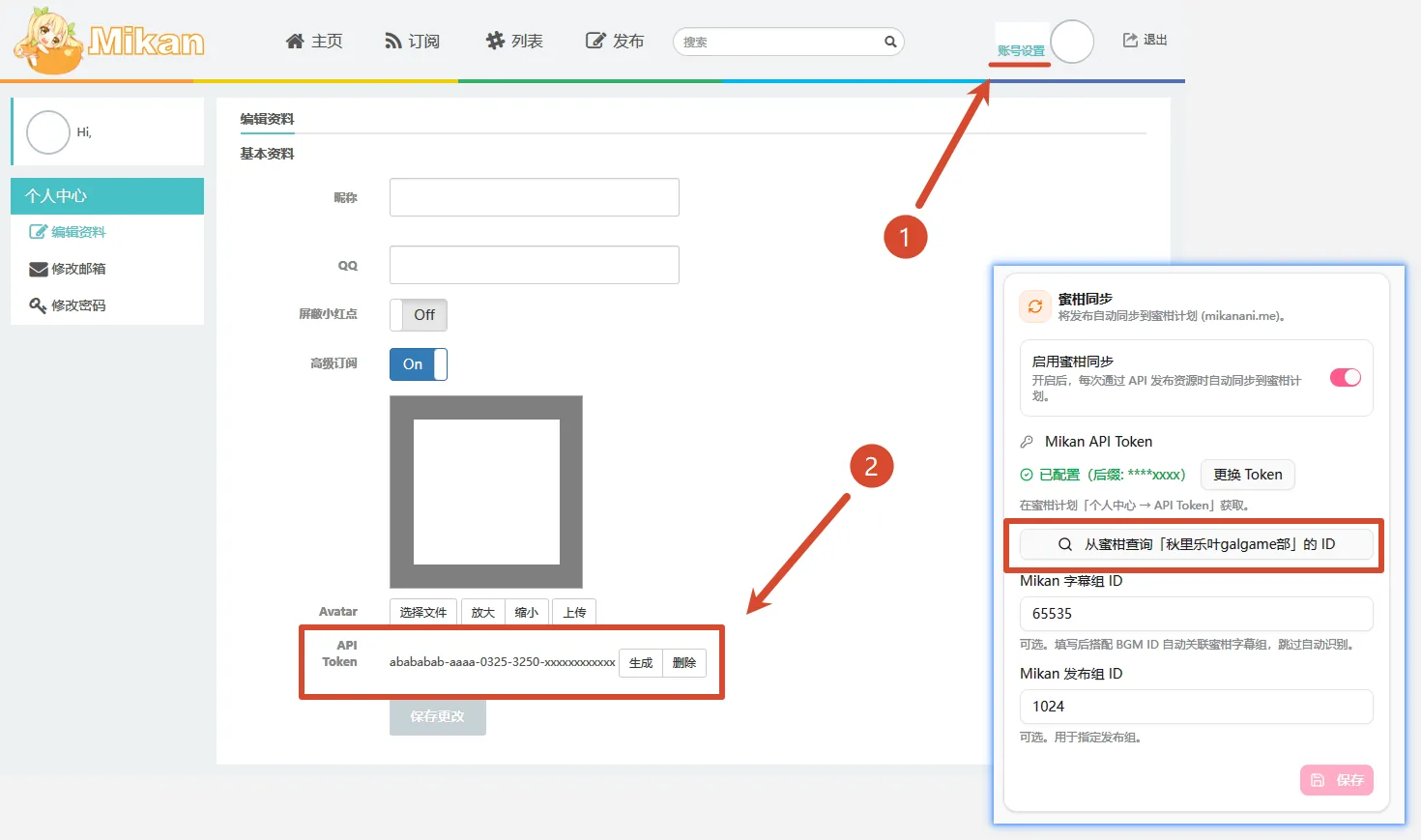
Log in to mikanani.me, click your avatar in the upper right, and go to Account Settings → User Center → Edit Profile. In the "Basic Info" section, copy your API Token (click "Generate" if you do not have one yet).
Save Token to AniBT
Open your fansub console at /groups/<slug>/sync, enable Mikan sync, paste your API Token into the field, and click Save.
Auto-Detect Group IDs
Once saved, click the [Query Mikan IDs for "Your Group"] button below. The system queries Mikan on your behalf and automatically populates both your Subgroup ID and Publish Group ID.
Field Descriptions
Prop
Type
Fallback Manual Lookup
If auto-detection cannot locate your group credentials, find the numeric IDs manually:
Visit your fansub team's page on Mikan (e.g., by clicking your group's name on any published torrent):
https://mikanani.me/Home/PublishGroup/359- The number at the end of the URL (e.g.,
359) is your Subgroup ID.